f360-journey
#📝 I learned…
Sketch -> Create -> Project
- When already having a 3d object, using such tool can help assist further sketching
- Helps define a starting point for further sketch
Revolving using selected axis
- When using revolve feature, you can go on the left side and select the axis from the face list.
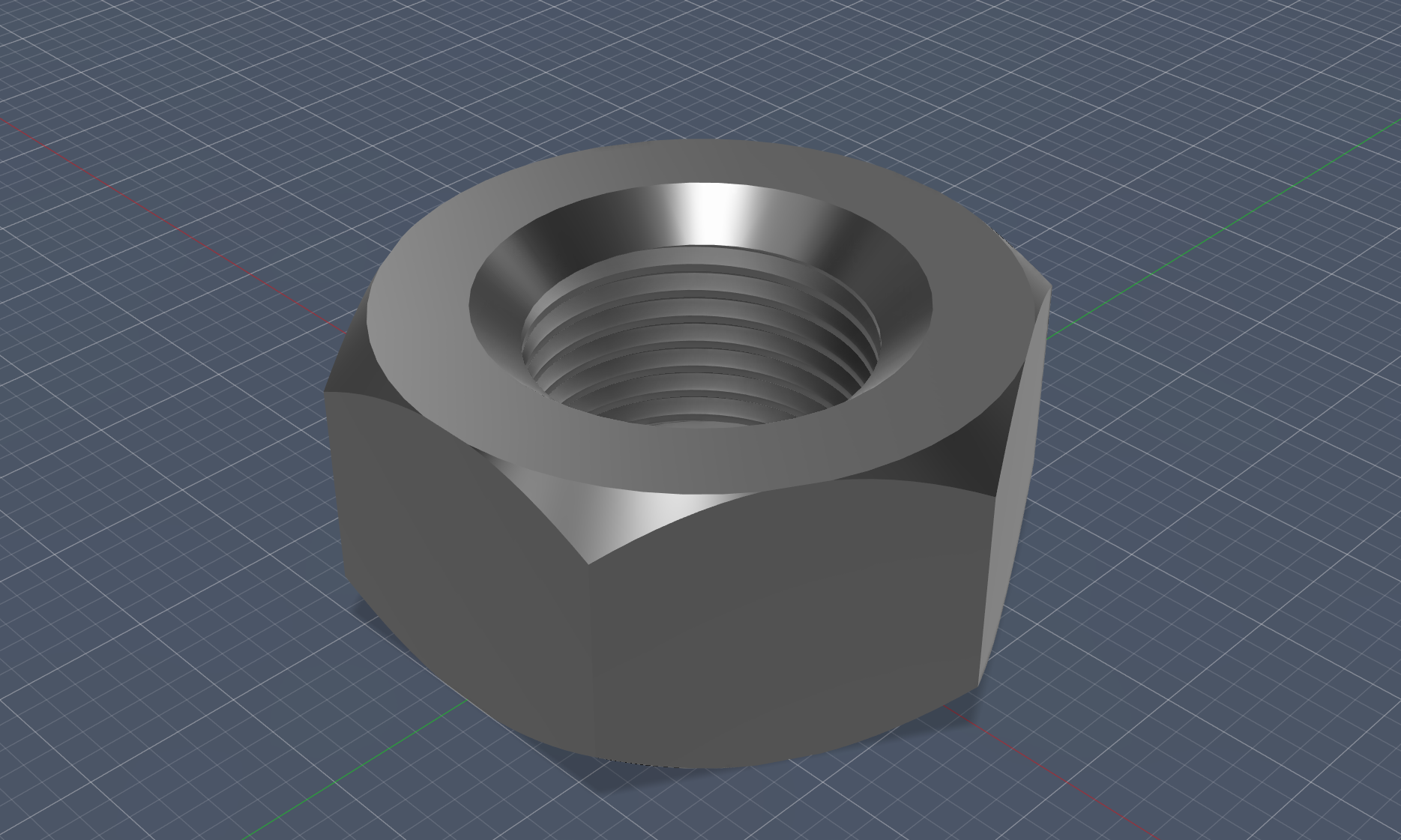
- Doing so creates a chamferred pattern on the hexagonal shape.
Hole
- Creates a literal hole in the preexisting shape.
- Further settings can be appllied, making it threaded.
Construction of midplane
- allows a sketch plane to be created in the middle of two existing faces.
3d mirror
- Select face and then choose axis (from left list)
- Mirrors the shape.
🛠️ What I designed
A Hex Nut